Quality Field Guides › Tools › Cost of Poor Quality Calculator
Cost of Poor Quality
Cost of poor quality calculator in Excel, free: the annual cost of the problem nobody is fixing
The Cost of Poor Quality Calculator — enter your labor, error and opportunity-loss figures; get the annual cost of inaction, net first-year savings, payback period and three-year net benefit. Free, and it always will be. Delivered by email in about a minute.
Free tool · Excel 2016+ or Google Sheets · pre-filled with a worked example · 30-day refund, no questions
Part of the Operational Excellence Framework ($35).
30-day refund, no questions. Files are Excel (.xlsx); no macros.
See inside
Screenshots from the actual workbook.
How this one is different
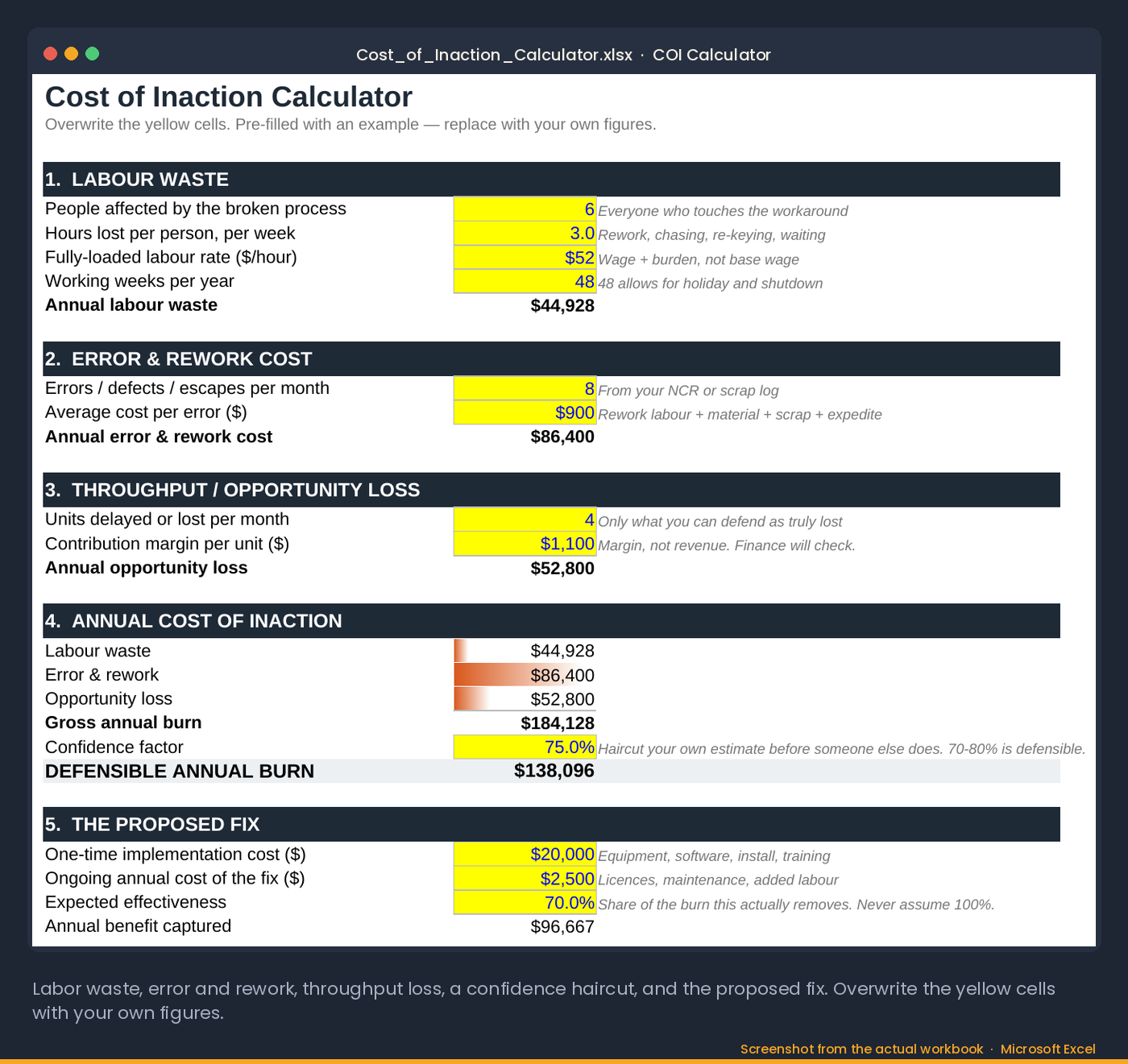
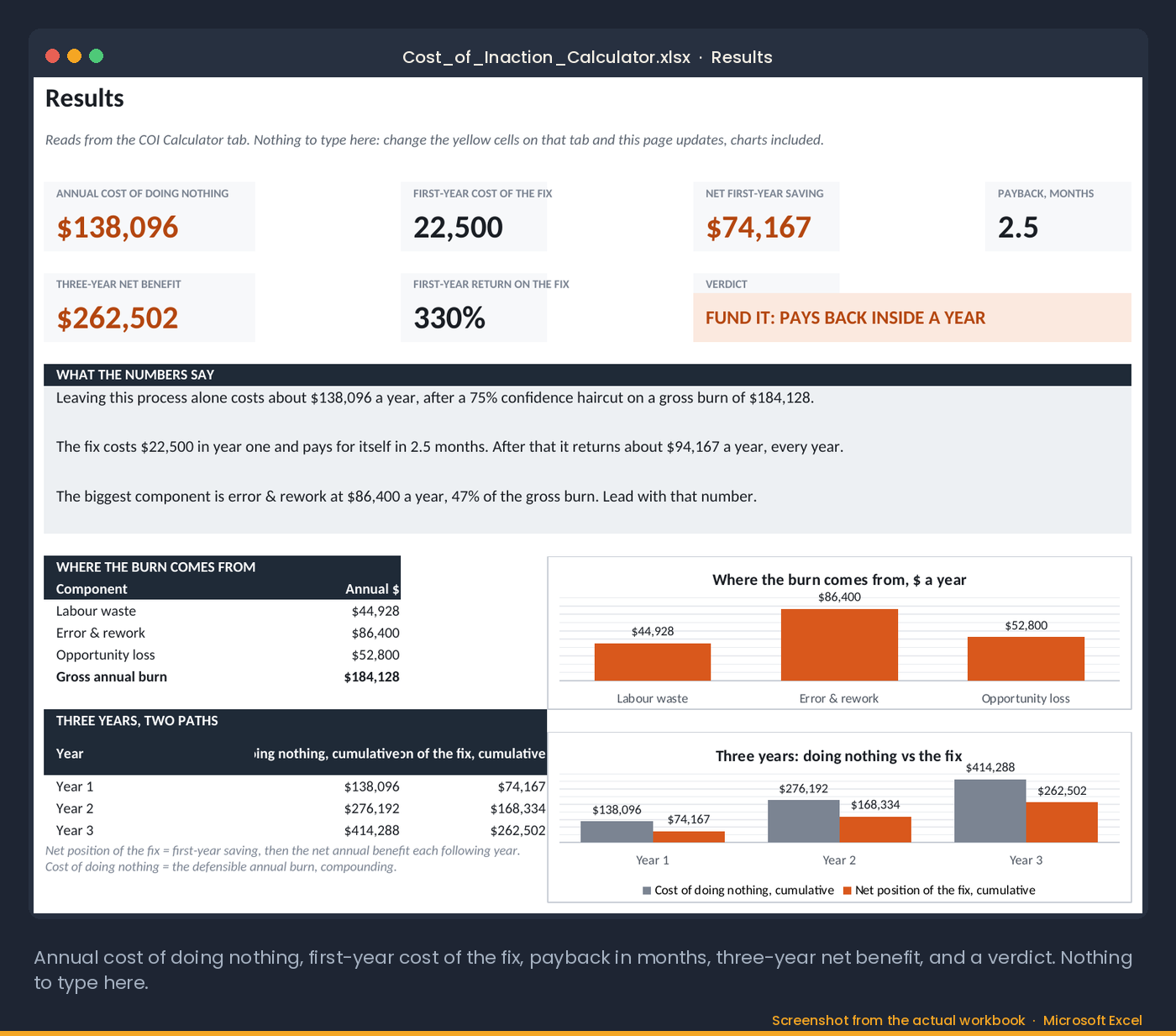
Every fix looks like an expense until the cost of doing nothing is on the same page. This calculator turns a recurring problem into an annual cost with a confidence haircut finance will accept, then shows the net first-year saving, the payback in months and a three-year verdict on whether the fix pays back.
How to use it
- Describe the recurring problem and how often it happens.
- Enter the labor, scrap, rework and lost throughput per occurrence. Estimates are fine; the confidence factor discounts them.
- Enter the cost of the fix.
- Read the annual cost of inaction, the payback in months and the three-year net benefit.
- Take the one-page result to the budget meeting.
Who it is for
For anyone who has to justify a process fix to someone who controls a budget. Not a full cost-of-quality accounting system; it is the budget-meeting tool from the book.
30-day refund, no questions. Files are Excel (.xlsx); no macros.
The method
Quality data in units of quality gets a polite hearing. The same data in money gets a decision.
Operations leaders hit the same wall: they identify a critical problem, design a sensible fix, present it, and hear "great idea, but we don't have the budget right now." It happens because they presented the cost of the solution without calculating the cost of doing nothing. If a fix costs $20,000 it looks like an expense. If the broken process is burning $15,000 a month in wasted labor and errors, doing nothing costs $180,000 a year — and the $20,000 becomes an immediate financial recovery.
The cost of poor quality has three components, and all three are calculable from numbers you already have. Direct labor waste: hours spent on workarounds per week, times a fully loaded hourly rate, times fifty-two. Error correction cost: errors per year times the average cost to remedy each one — credits, reships, rework, scrap. Opportunity loss: the delay in processing time against the value of the revenue it delays or the customers it costs. Add them, apply a confidence factor to keep the estimate honest, and you have the annual figure to bring to leadership.
Quality data in units of quality gets a polite hearing. The same data in money gets a decision.
Read next: Operational Excellence pack, the framework the calculator comes from · 5 Whys Template
What it computes for you
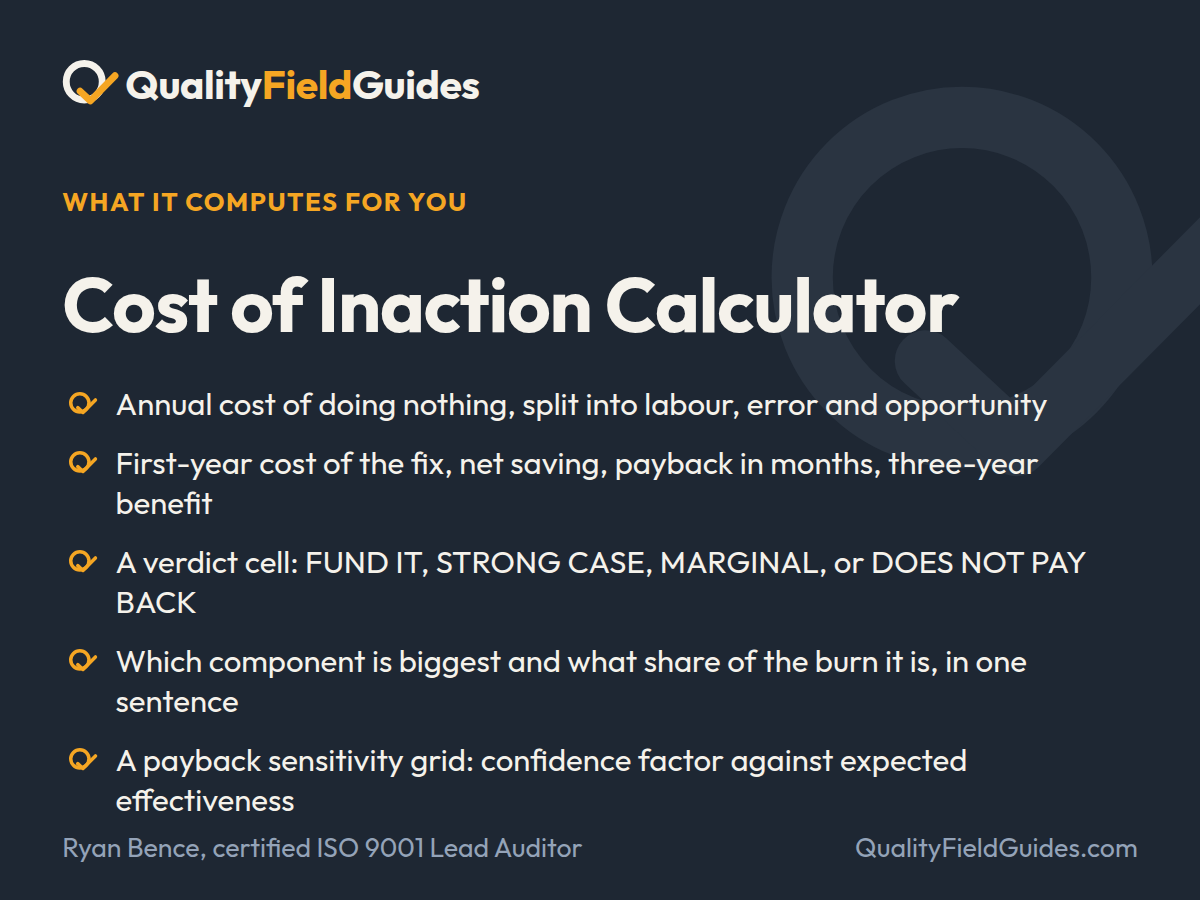
Put a number on the problem nobody is fixing. Labor, error and opportunity cost, with a confidence haircut finance will accept, and a verdict on whether the fix pays back.
- Annual cost of doing nothing, split into labor, error and opportunity
- First-year cost of the fix, net saving, payback in months, three-year benefit
- A verdict cell: FUND IT, STRONG CASE, MARGINAL, or DOES NOT PAY BACK
- Which component is biggest and what share of the burn it is, in one sentence
- A payback sensitivity grid: confidence factor against expected effectiveness
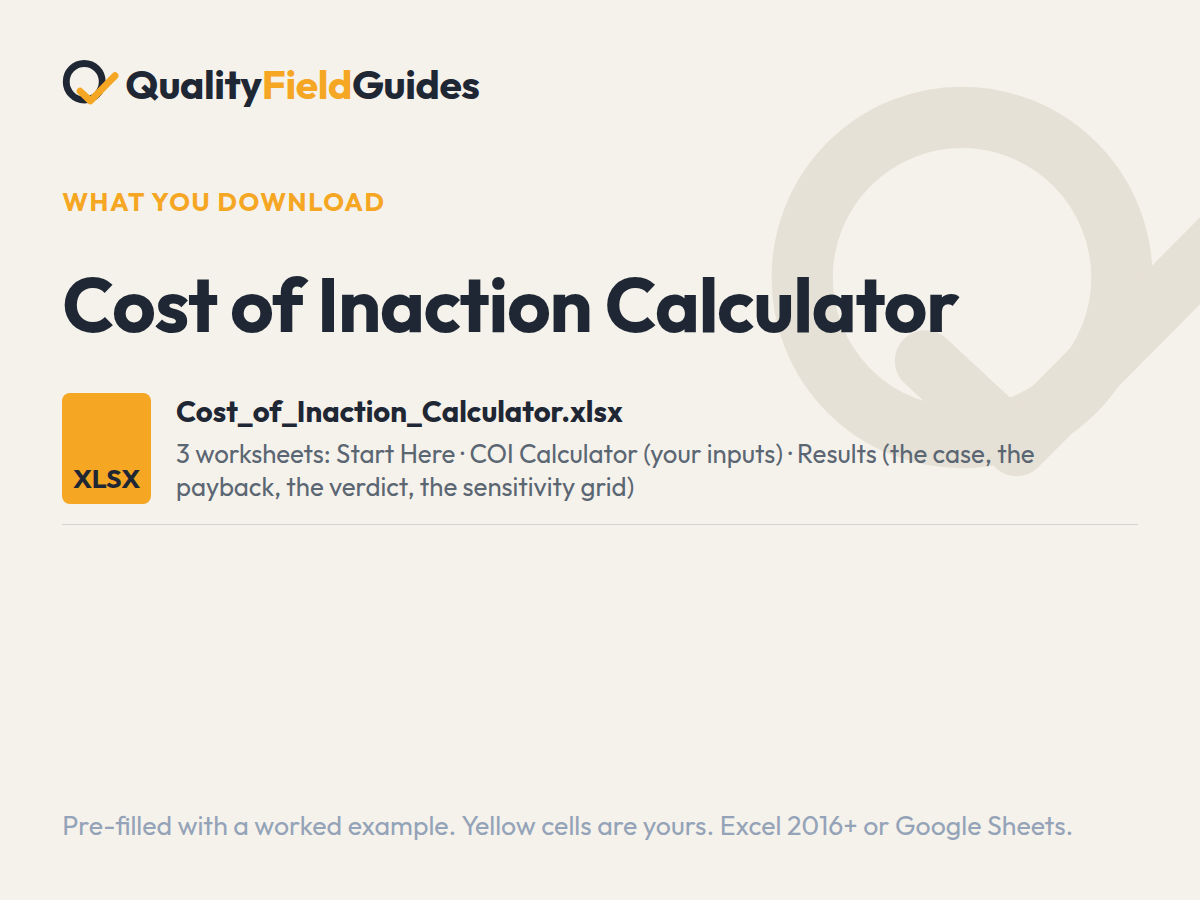
What you download
One file, three tabs.
Yellow cells are yours; white cells calculate. It arrives filled in with the series’ fictional plant so every flag and chart has something to show; clear the yellow cells and start.
Questions
Before you buy.
What is the cost of poor quality formula?
Cost of poor quality = internal failure cost + external failure cost + opportunity loss. In the calculator: workaround hours per week times the loaded hourly rate times 52, plus errors per year times the cost to remedy each, plus the value of delayed or lost revenue, then multiplied by a confidence factor so the figure survives the finance meeting.
What is included in cost of poor quality?
Internal failure costs (scrap, rework, downtime, workaround labor), external failure costs (returns, credits, expedites, lost customers), and the opportunity cost of delayed revenue. Appraisal and prevention costs are the other side of the quality cost model; this calculator focuses on the failure side because that is what funds the fix.
How accurate does the estimate need to be?
Defensible, not precise. The calculator's confidence factor exists so you can present a conservative figure that survives the finance director's first question.
Which Excel version do I need?
Excel 2016 or later on Windows or Mac, or Google Sheets. Every formula is standard: no macros, no add-ins, no external links. In Google Sheets use File → Import → Replace spreadsheet.
Why does the workbook arrive filled in?
Every workbook ships pre-filled with the same fictional plant so each dashboard, flag and trend has something to show. Read it that way first, then clear the yellow input cells; the white computed cells empty themselves.
Can I use them across a team or a company?
One purchase covers one plant or site, any number of users at that site. Consultants using the tools with clients, and groups with several sites, should email ryan@qualityfieldguides.com for a license.
What if it does not do what the page says?
Thirty days, no questions. Reply to the receipt email, or write to ryan@qualityfieldguides.com, and it is refunded.
Goes with it
The tools next to this one.
5 Whys & Cause Analysis Worksheet
A problem statement that survives the meeting, a five-whys chain that stops at a system, and a cause-scoring sheet that ranks what you found.
See what it computesRoot Cause & Corrective Action Toolkit
Seven worksheets from problem statement to verified, closed CAPA, with a 90-day effectiveness check.
See what it computesFMEA Risk Scorer
Severity, occurrence and detection on a 1 to 10 scale, RPN with priority bands, a top-10 ranking and a flag for the failure you cannot see coming.
See what it computes