Quality Field Guides › Tools › FMEA Risk Scorer
FMEA Template
FMEA template in Excel: RPN computed, priorities banded, actions tracked and re-scored
The FMEA Risk Scorer — severity, occurrence and detection on the industry-standard 1–10 scale with agreed rating anchors, RPN computed and color-coded by threshold, detection-gap flagging so a hidden failure never hides behind a middling number, an action per line with control level, owner, due date and status, re-scoring after you implement, and a worked example. $5+. Included in the Operational Excellence pack with the 17-step framework and the Cost of Poor Quality calculator.
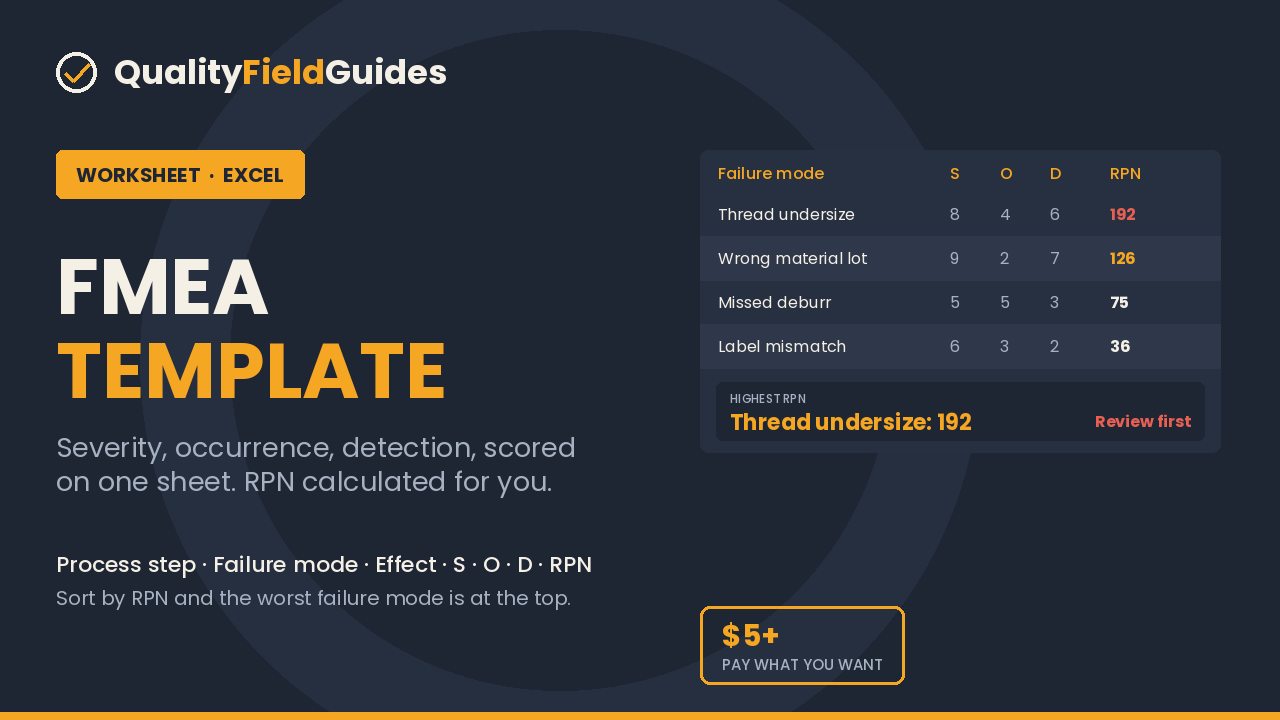
$5 minimum, pay what you want.
Get the Excel fileEntry worksheet · $5 minimum, pay what you want · Excel 2016+ or Google Sheets · pre-filled with a worked example
This worksheet is the first tab of the Operational Excellence Framework ($35).
30-day refund, no questions. Files are Excel (.xlsx); no macros.
See inside
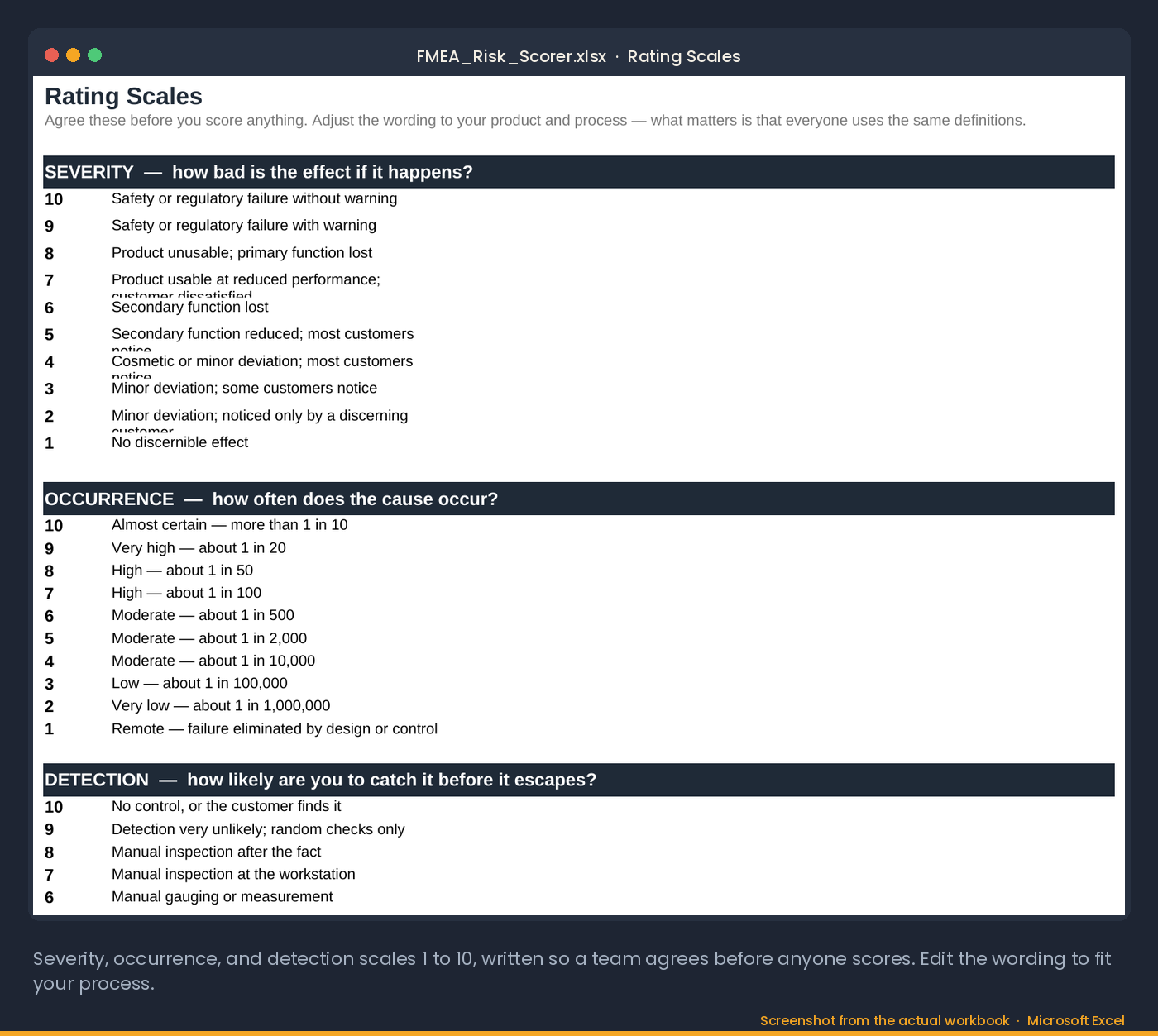
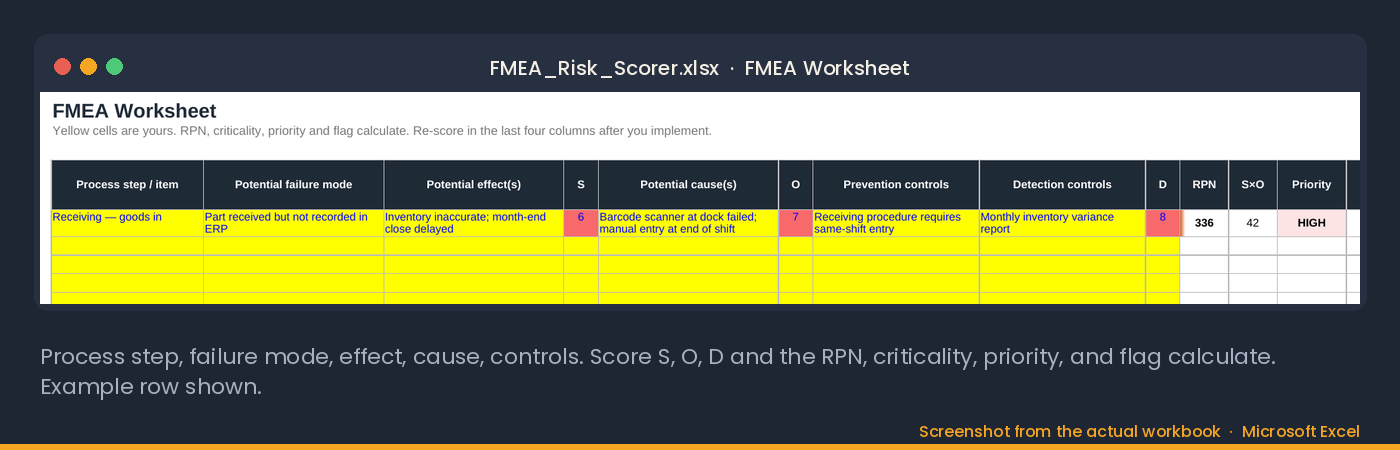
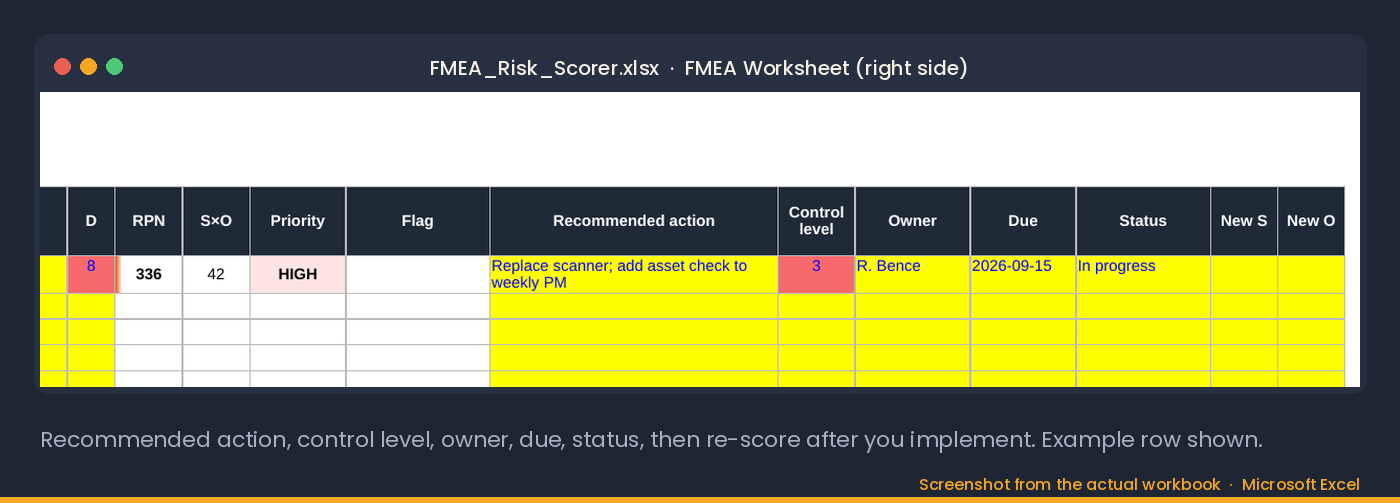
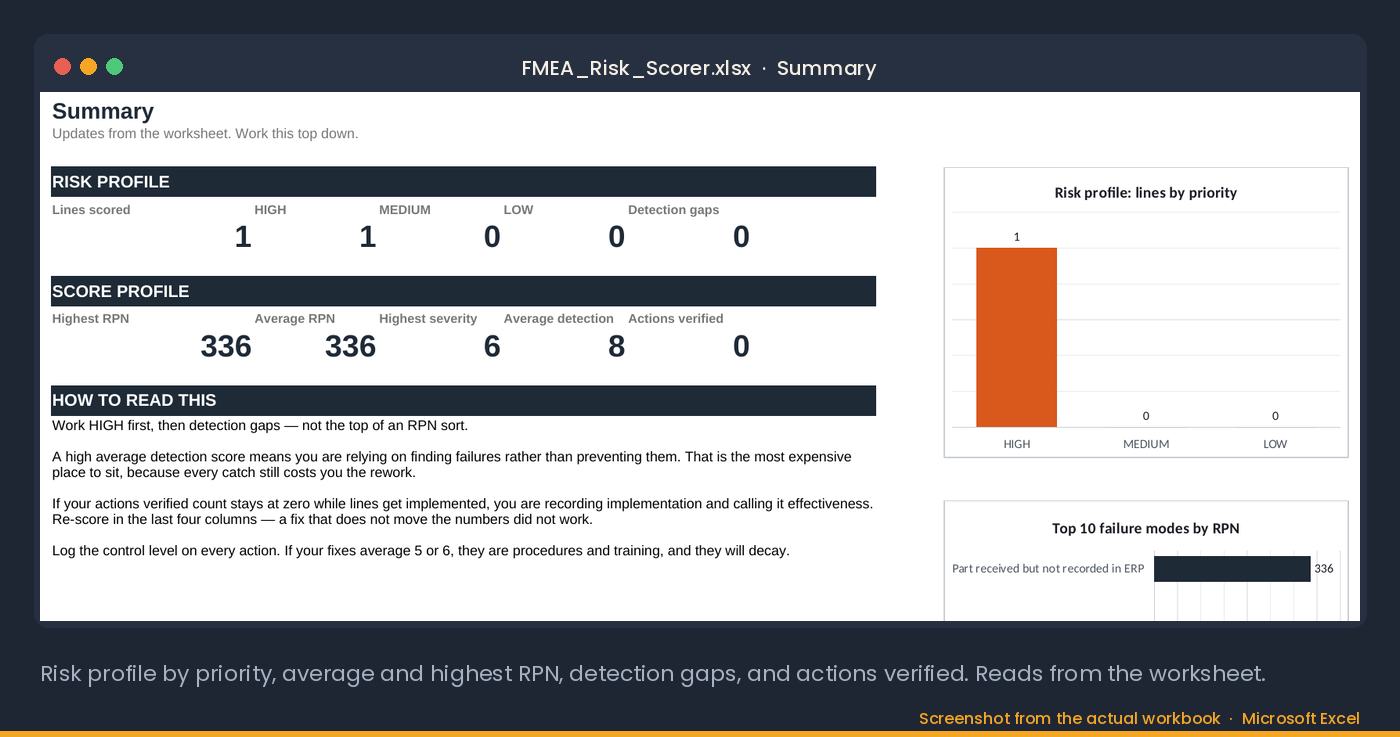
Screenshots from the actual workbook.
How this one is different
The arithmetic is not the hard part of an FMEA; agreeing what a 7 means is. This workbook carries rating anchors for severity, occurrence and detection that the team agrees before scoring, computes RPN with priority bands and a top-ten ranking, flags any mode where detection scores high regardless of RPN, because the failure nobody can see is worse than a bigger one everyone can, and carries each action to closure with its control level, owner, due date and status, so you re-score after you implement and the summary counts it as verified.
How to use it
- Agree the rating anchors on the scales tab before anyone scores a line.
- List each process step and its failure modes, effects and causes.
- Score severity, occurrence and detection against the anchors. RPN and the priority band compute.
- Read the top-ten ranking and the detection-gap flags first; those are the actions.
- Record the action, its control level, owner and due date on the same line; after you implement, re-score in the last columns and the summary counts it as verified.
Who it is for
For a process or quality engineer building or refreshing a process FMEA for an ISO 9001 or IATF shop. Not an AIAG-VDA Action Priority worksheet; it uses classic RPN.
30-day refund, no questions. Files are Excel (.xlsx); no macros.
The method
A usable FMEA template starts with anchors, not scores.
Every FMEA template multiplies three numbers. Severity, occurrence, detection; the product is the risk priority number. The spreadsheet part is trivial. The hard part of a failure mode and effects analysis is getting five people to mean the same thing by "a 7."
That is why a usable FMEA template starts with anchors, not scores. What does a severity of 9 mean here — a customer complaint, or a safety event? What occurrence counts as "likely" for this process — monthly, or on most runs? Score as a group, against written anchors, and score the process as it exists today — not as it will exist after your fix. The whole point is to find out which failures your fix still leaves exposed.
Then watch the detection score. A failure scoring 3/2/9 and one scoring 9/3/2 have the same RPN, and the first one is more dangerous — it is invisible until a customer finds it. When two items tie, fix the one with the higher detection score first. A good FMEA template flags that for you instead of sorting by RPN and calling it done.
Read next: Operational Excellence pack · 5 Whys Template
What it computes for you
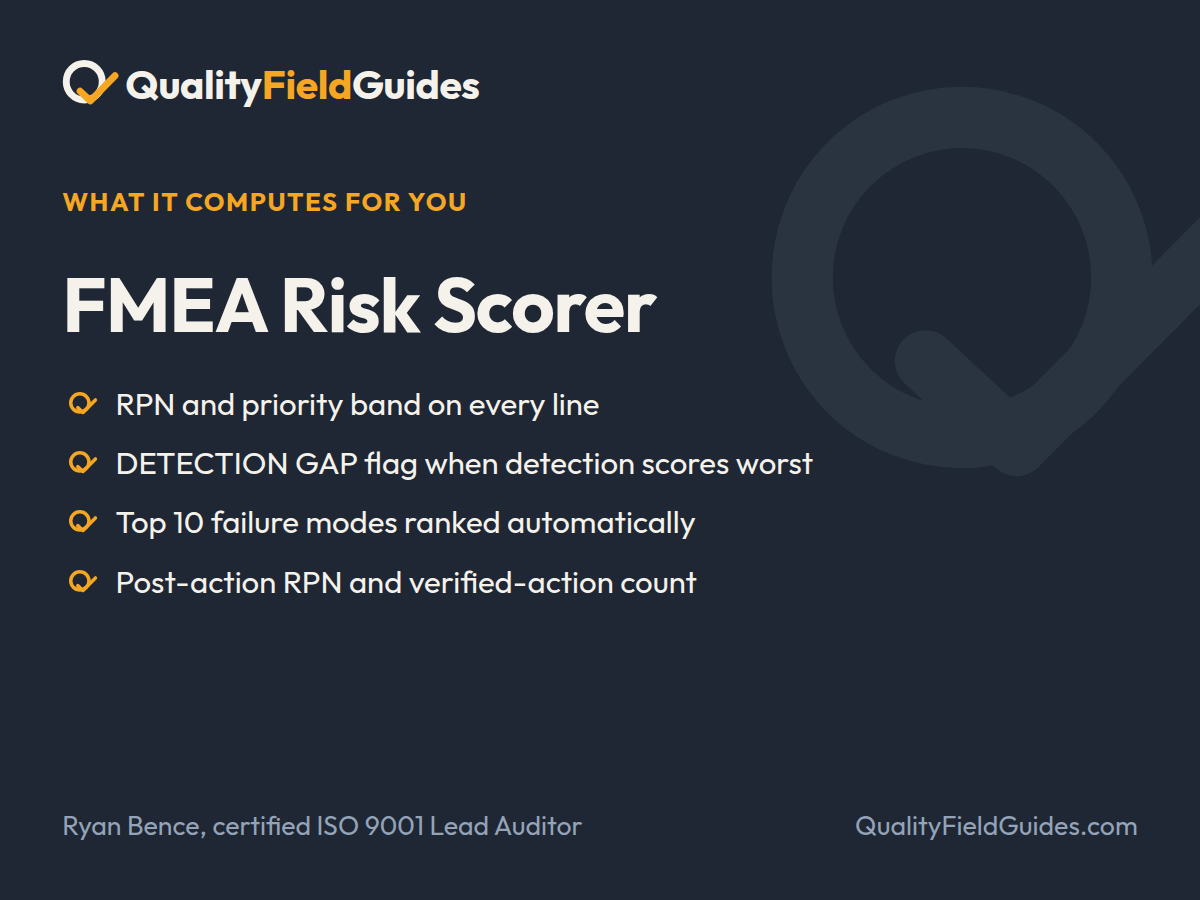
Severity, occurrence and detection on a 1 to 10 scale, RPN with priority bands, a top-10 ranking and a flag for the failure you cannot see coming.
- RPN and priority band on every line
- DETECTION GAP flag when detection scores worst
- Top 10 failure modes ranked automatically
- Post-action RPN and verified-action count
What you download
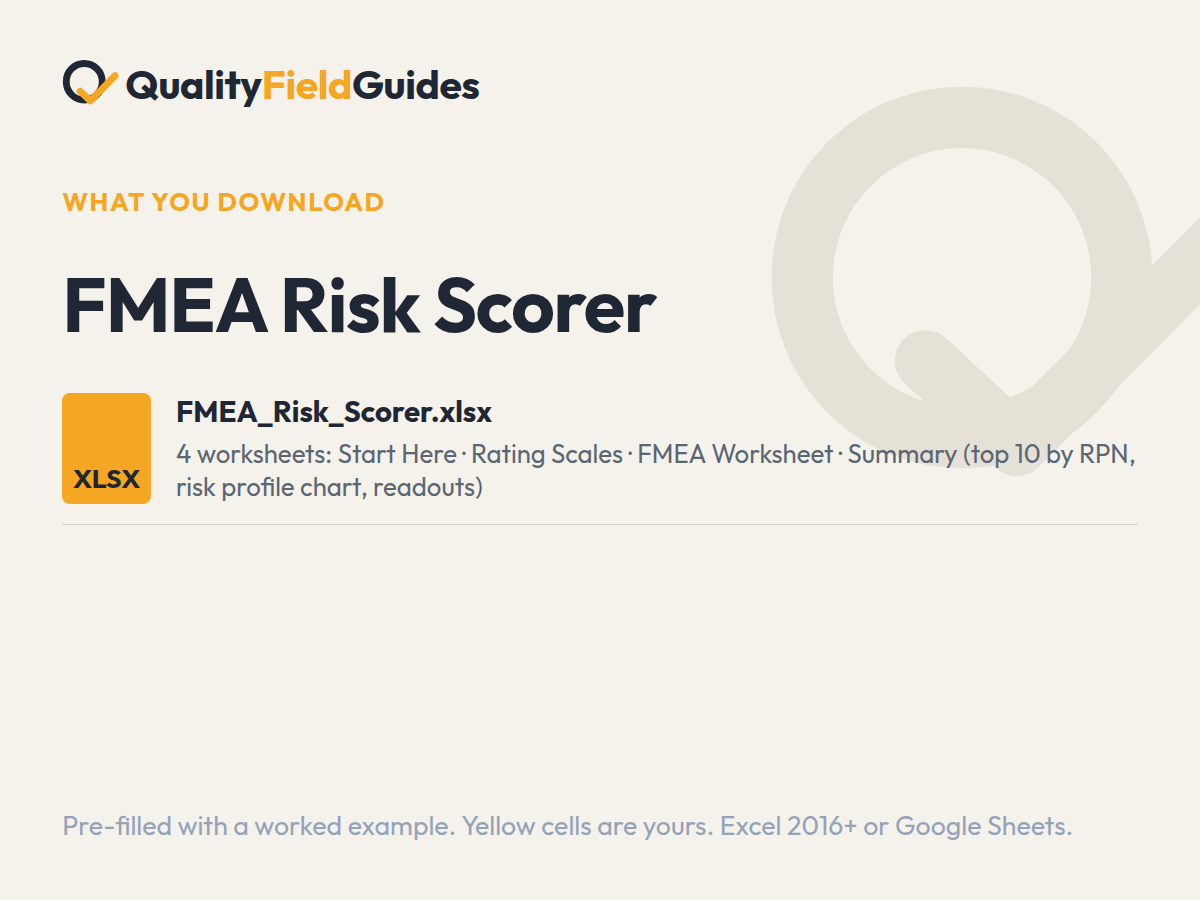
One file, four tabs.
Yellow cells are yours; white cells calculate. It arrives filled in with the series’ fictional plant so every flag and chart has something to show; clear the yellow cells and start.
Questions
Before you buy.
What scale does the FMEA template use?
1–10 for each of severity, occurrence and detection, the AIAG convention, with written anchors for each score so a team scores consistently.
What RPN needs action?
Thresholds are yours to set — the template ships with defaults and a rule that a high detection score outranks an equal RPN with a low one.
Which Excel version do I need?
Excel 2016 or later on Windows or Mac, or Google Sheets. Every formula is standard: no macros, no add-ins, no external links. In Google Sheets use File → Import → Replace spreadsheet.
Why does the workbook arrive filled in?
Every workbook ships pre-filled with the same fictional plant so each dashboard, flag and trend has something to show. Read it that way first, then clear the yellow input cells; the white computed cells empty themselves.
What is the difference between an entry worksheet and a pack?
An entry worksheet is two or three tabs lifted from its pack, and it is $5 or more, your choice. The pack is the full workbook with the register, the dashboard and the field guide PDF that explains the method, for $35. Start with the worksheet; the formulas and the worked example are the same.
What if it does not do what the page says?
Thirty days, no questions. Reply to the receipt email, or write to ryan@qualityfieldguides.com, and it is refunded.
Goes with it
The tools next to this one.
Operational Excellence Framework
The 17-step improvement framework with the FMEA Risk Scorer and the companion workbook.
See what it computesCost of Poor Quality Calculator
Put a number on the problem nobody is fixing. Labor, error and opportunity cost, with a confidence haircut finance will accept, and a verdict on whether the fix pays back.
See what it computesRoot Cause & Corrective Action Toolkit
Seven worksheets from problem statement to verified, closed CAPA, with a 90-day effectiveness check.
See what it computes