Quality Field Guides › Tools › Supplier Scorecard
Supplier Scorecard Template
Supplier scorecard in Excel: on-time delivery measured against the original promise date
The Supplier Scorecard — per-receipt performance log with issue types, reject rate and on-time delivery computed against thresholds you set, trend view, and the escalation flag that fires when a poor rating coincides with an open corrective action request. $5+. One tab of the Supplier Quality Pack, which adds evaluation with a quality override, the approved supplier list, SCAR forms, and staged escalation to exit.
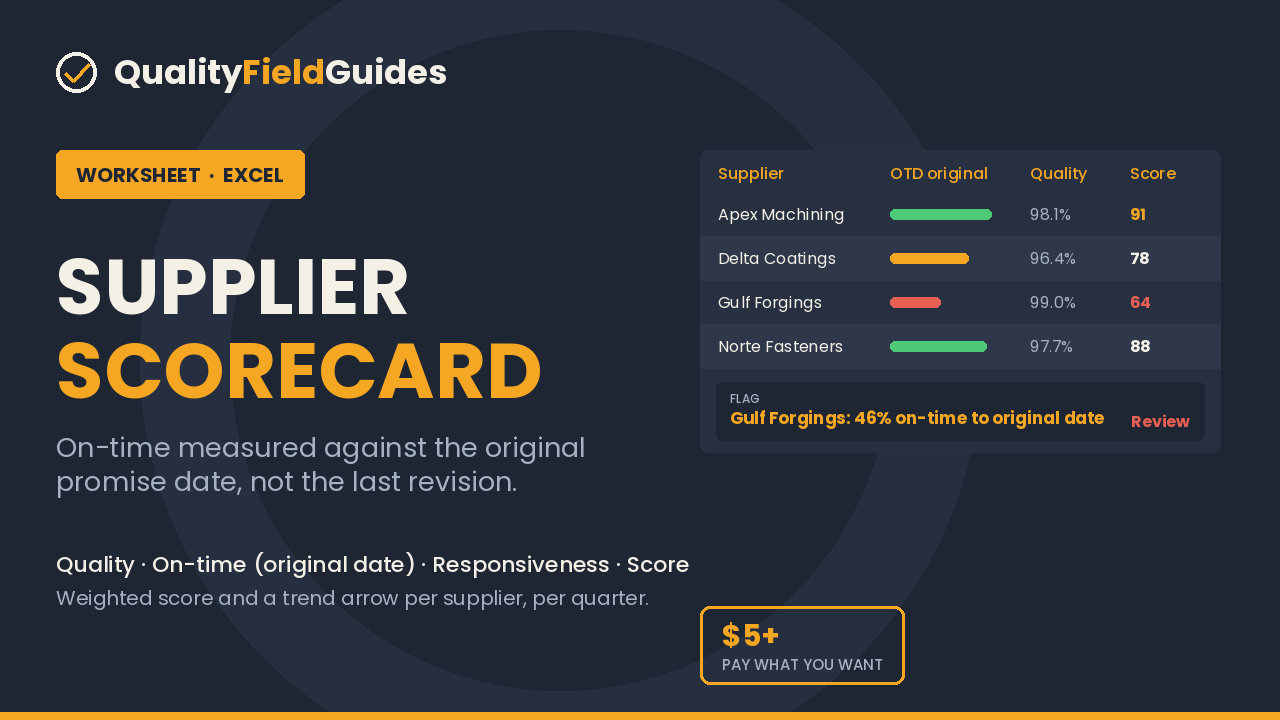
$5 minimum, pay what you want.
Get the Excel fileEntry worksheet · $5 minimum, pay what you want · Excel 2016+ or Google Sheets · pre-filled with a worked example
This worksheet is the first tab of the Supplier Quality Pack ($35).
30-day refund, no questions. Files are Excel (.xlsx); no macros.
See inside
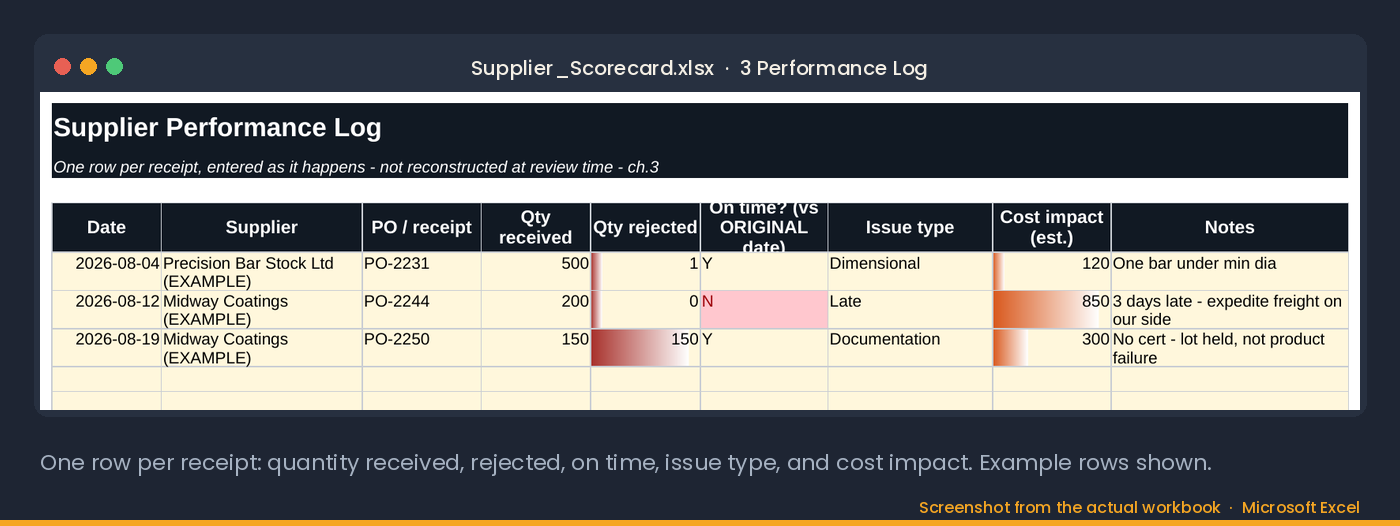
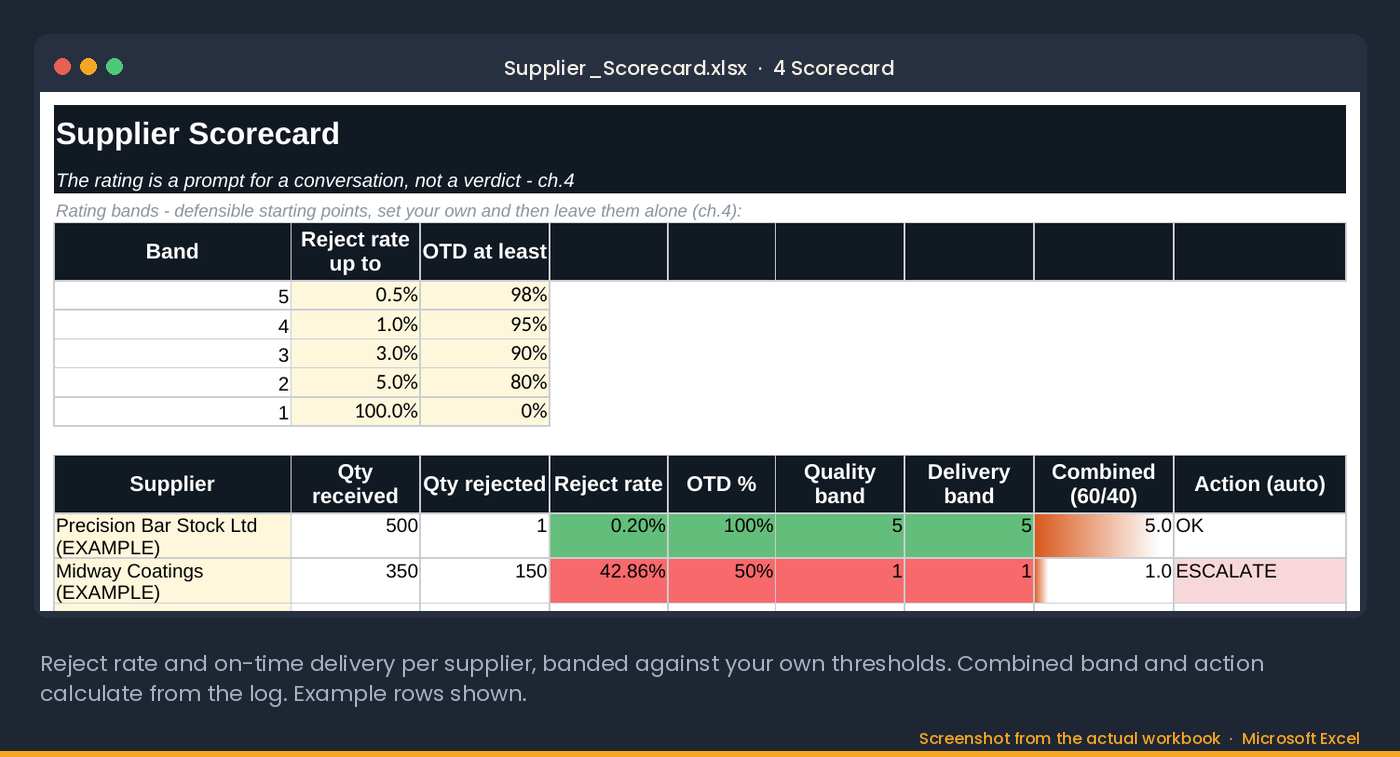
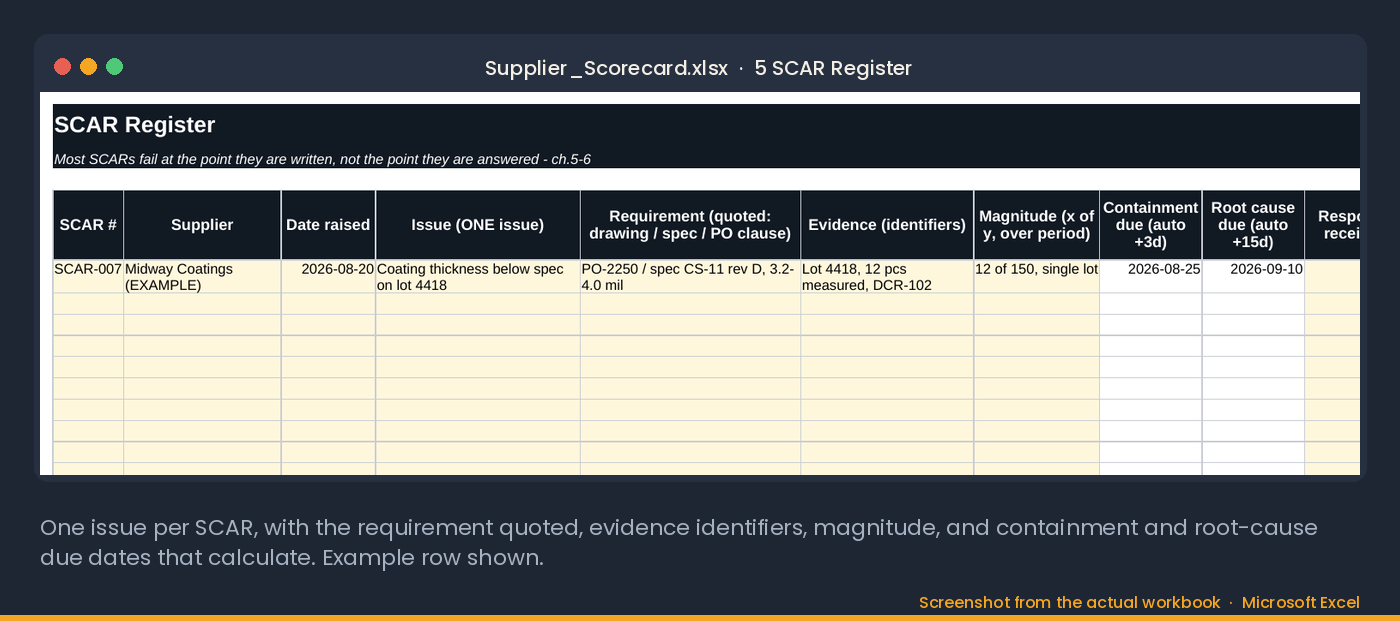
Screenshots from the actual workbook.
How this one is different
Most scorecards measure on-time against the latest revised date, which a supplier can move. This one holds the original promise, logs issue types beside every reject so a pattern shows before the count does, and computes an escalation flag when a poor rating meets an open corrective action request.
How to use it
- Enter each receipt on the log: supplier, original promised date, actual date, quantity, rejects and the issue type.
- Let the sheet compute on-time percentage and reject rate per supplier per month.
- Open the rating tab: a 60/40 weighting of quality and delivery that you can change once and keep.
- Log supplier corrective action requests on the SCAR tab with a date raised and a date closed.
- Watch for ESCALATE: it appears when a poor rating coincides with an open SCAR, which is the rule-based trigger for a call, a visit or a second source.
- Take the rating table to management review as the external provider performance input.
Who it is for
For a purchasing or quality manager with five to fifty active suppliers who needs a defensible rating. Not for a company with an ERP supplier module already doing this; use the method, not the file.
30-day refund, no questions. Files are Excel (.xlsx); no macros.
The method
Two measures, kept separate, and the issue type beside every reject.
Ask a buyer and a quality engineer to rank the same five suppliers and you will get two different lists, both sincere. One remembers the shortage that stopped a line; the other remembers the certificate that never arrived. A supplier scorecard template exists to replace both memories with rows.
Two measures, kept separate. Quality: quantity rejected over quantity received, per supplier, over a rolling period. Delivery: received by the original commitment date, yes or no — and the trap is in the word original. If you moved the date because they were going to be late, they were late. Measure against the date they first promised.
Record the issue type, not just the reject. A dimensional failure, a missing certificate, a wrong revision and a damaged shipment are four different problems with four different fixes. Aggregated into a single reject rate, they tell you a supplier is poor without telling you what to do about it. Six months of issue types turns "they have quality problems" into "every failure has been documentation, never product" — a completely different conversation, and a much easier one to fix.
And read the trend, not the number. A stable rating drifting slowly down is normal wear. Two consecutive drops means something changed on their side — ask what. Perfect scores on four deliveries is not a track record; it is a supplier who has not yet had the opportunity to fail.
Read next: Supplier Quality Pack · Root Cause Analysis Template, for the SCAR process
What it computes for you
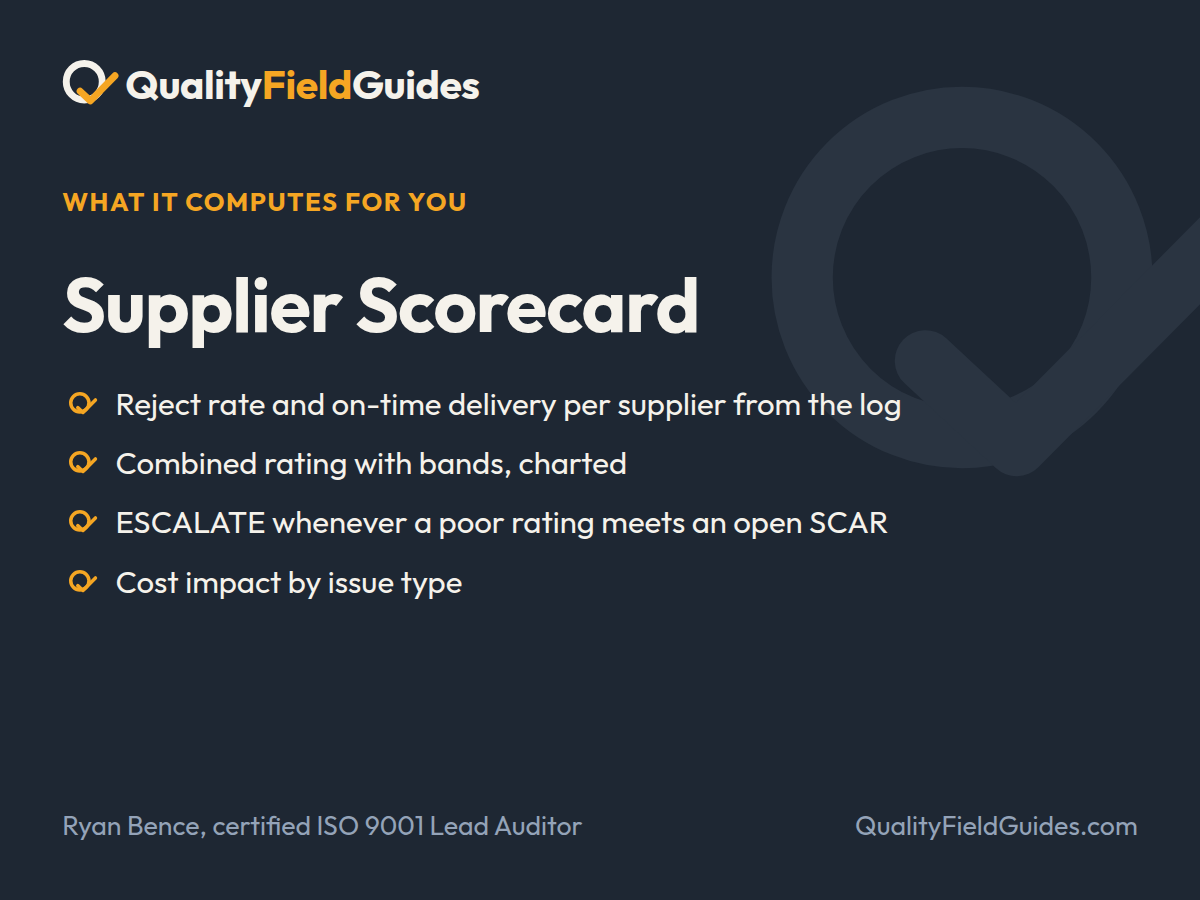
A performance log, a scorecard that measures on-time against the original commitment date, and the SCAR register that decides who gets escalated.
- Reject rate and on-time delivery per supplier from the log
- Combined rating with bands, charted
- ESCALATE whenever a poor rating meets an open SCAR
- Cost impact by issue type
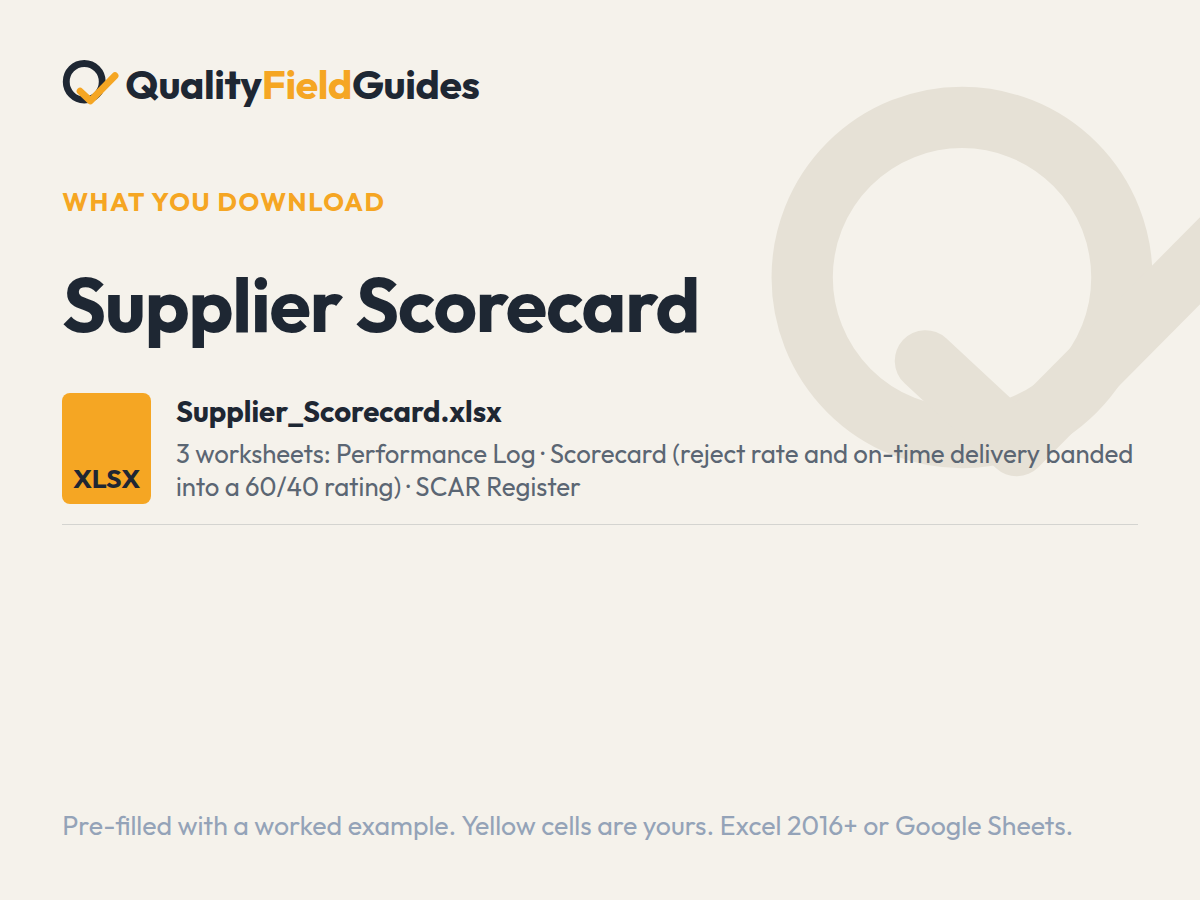
What you download
One file, three tabs.
Yellow cells are yours; white cells calculate. It arrives filled in with the series’ fictional plant so every flag and chart has something to show; clear the yellow cells and start.
Questions
Before you buy.
What metrics belong on a supplier scorecard?
Reject rate by quantity, on-time delivery against the original commitment date, issue type breakdown, and responsiveness to corrective action requests — the last one is the most predictive number you have.
How often should suppliers be scored?
Monthly from the receipt log, reviewed quarterly with the supplier, with an override rule: any open corrective action forces a review regardless of the calendar.
Which Excel version do I need?
Excel 2016 or later on Windows or Mac, or Google Sheets. Every formula is standard: no macros, no add-ins, no external links. In Google Sheets use File → Import → Replace spreadsheet.
Why does the workbook arrive filled in?
Every workbook ships pre-filled with the same fictional plant so each dashboard, flag and trend has something to show. Read it that way first, then clear the yellow input cells; the white computed cells empty themselves.
What is the difference between an entry worksheet and a pack?
An entry worksheet is two or three tabs lifted from its pack, and it is $5 or more, your choice. The pack is the full workbook with the register, the dashboard and the field guide PDF that explains the method, for $35. Start with the worksheet; the formulas and the worked example are the same.
What if it does not do what the page says?
Thirty days, no questions. Reply to the receipt email, or write to ryan@qualityfieldguides.com, and it is refunded.
Goes with it
The tools next to this one.
Supplier Quality Pack
Evaluation with a quality override, a scorecard that measures on-time against the original commitment date, and escalation that doesn't depend on who is annoyed.
See what it computesManagement Review Agenda & Minutes
Thirteen required inputs, each with an owner and minutes against it, and a minutes sheet that records the conclusion, not the conversation.
See what it computesInternal Audit Checklist & Findings Register
The question bank and the findings register from the Internal Audit Program Kit. Ask the right questions, log what you find, watch the repeat flag.
See what it computes